Category: Installation Guides & Best Practices
-

Best Ethernet Cable for UniFi Cameras
Learn which Ethernet cable works best for UniFi cameras, including Cat5e vs Cat6, outdoor cable choices, PoE reliability, future proofing and real-world installation advice.
-
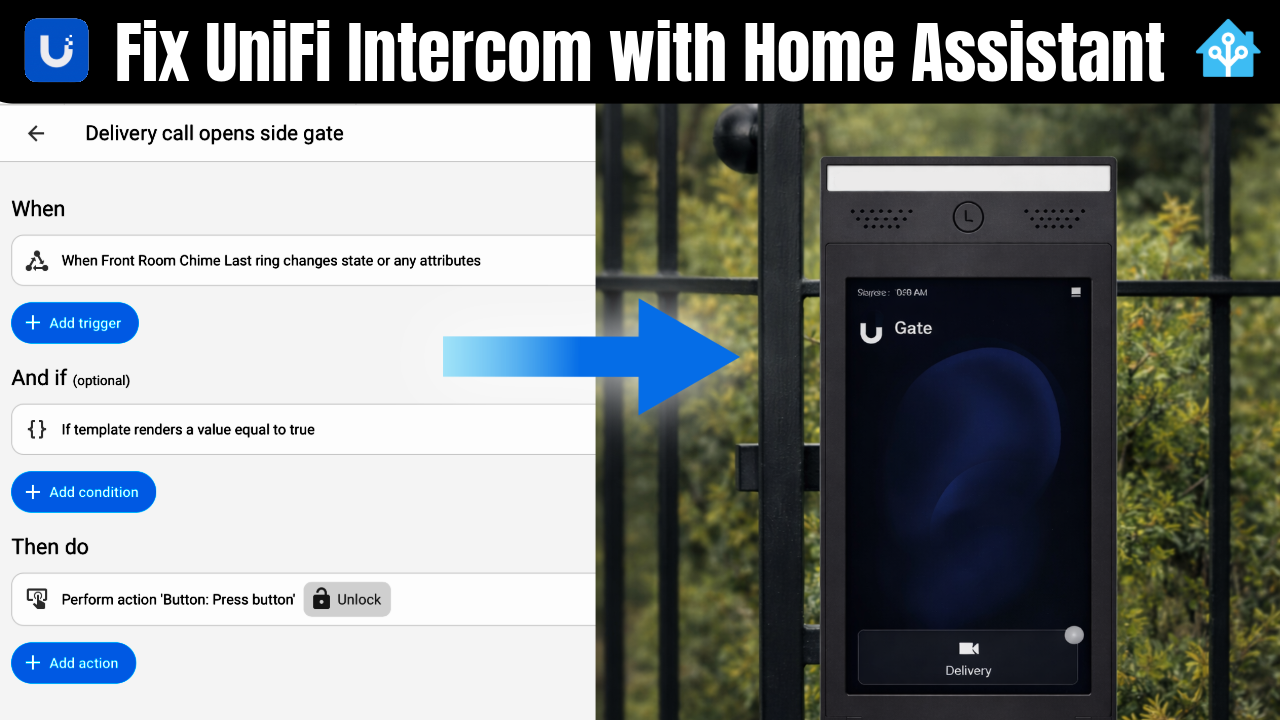
UniFi Intercom Home Assistant Gate Control: Solving Partial vs Full Gate Opening
🔍 The Problem When working with UniFi intercom Home Assistant gate control, you quickly run into a major limitation. We had a client setup with: The requirement was simple: Use one intercom to control two different gate behaviours. The problem? UniFi Access only allows one relay action per intercom. That means the intercom can: …but not…
-
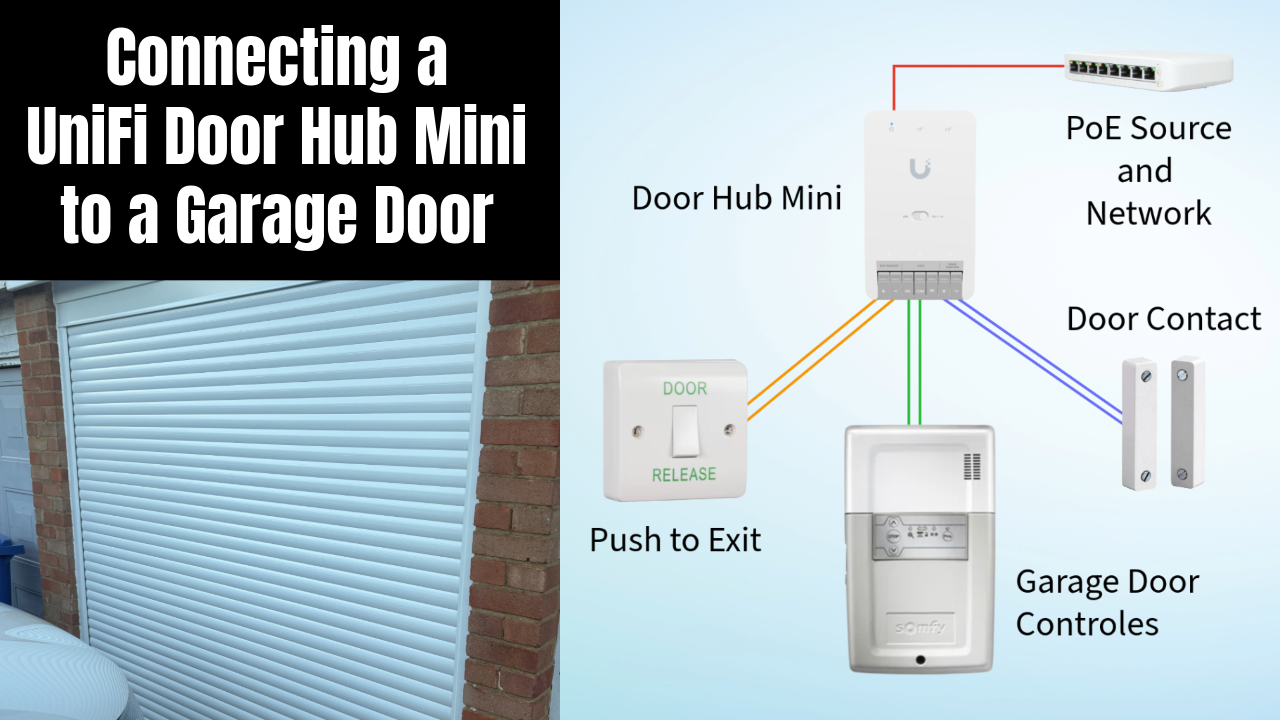
UniFi Doorhub Mini Garage Door: Integrating a Somfy Motor with UniFi Access
Can you use a UniFi Doorhub Mini for a garage door? Yes—this guide covers wiring, setup, and the real-world limitations you need to know.
-
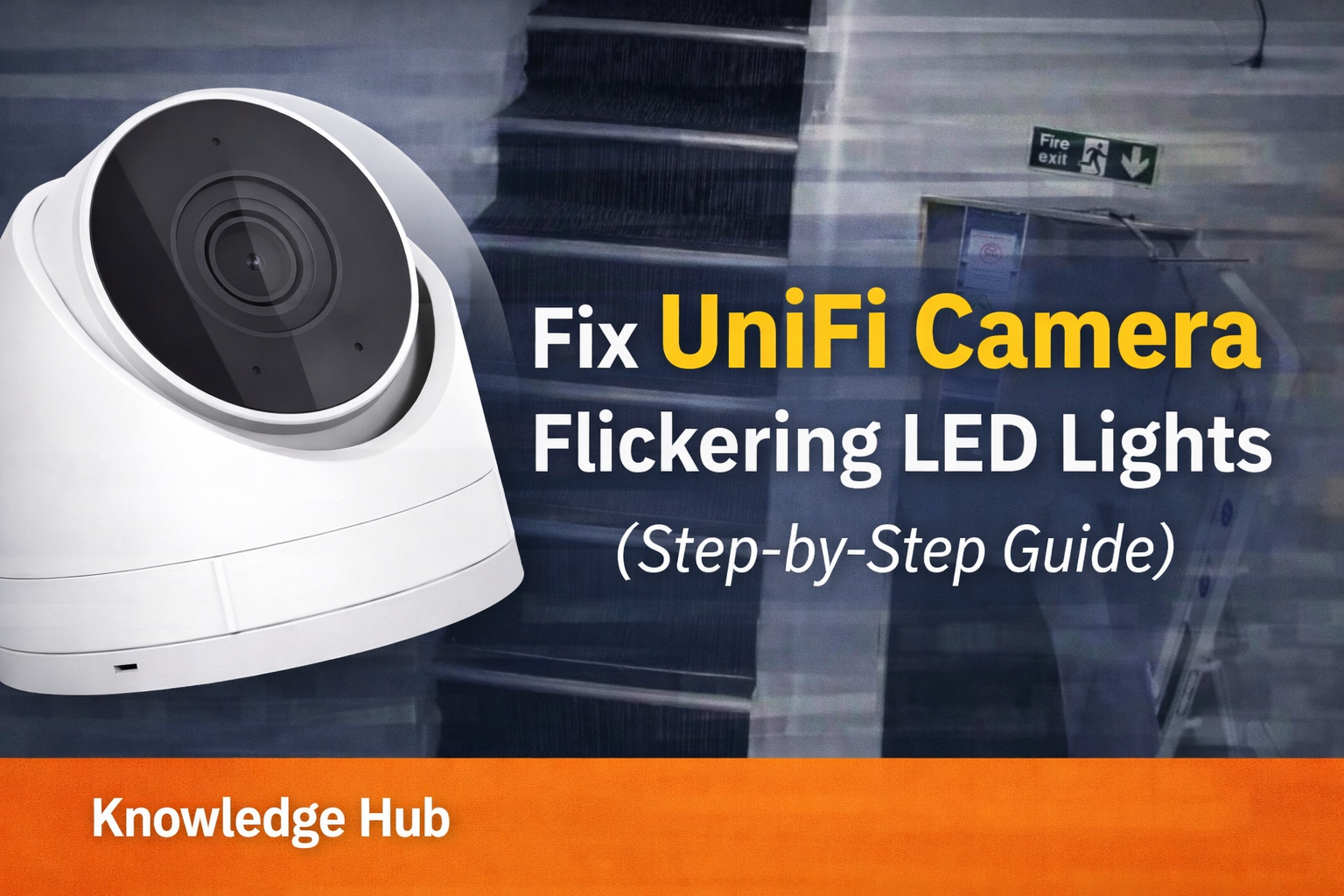
Fix UniFi Camera Flickering LED Lights (Step-by-Step Guide)
Fix UniFi camera flickering LED lights with simple UniFi Protect settings. This expert guide explains the cause and shows how to eliminate flicker step by step.
-

Keystone Patch Panels vs Punch Down Patch Panels: 6 Key Differences
When designing a structured cabling system, choosing between Keystone Patch Panels vs Punch Down Patch Panels can significantly impact flexibility, cost, and long-term organisation. While keystone panels offer modularity and the ability to mix cable types, punch down panels provide simplicity and clear port identification. In this guide, we break down the real-world pros and…
-
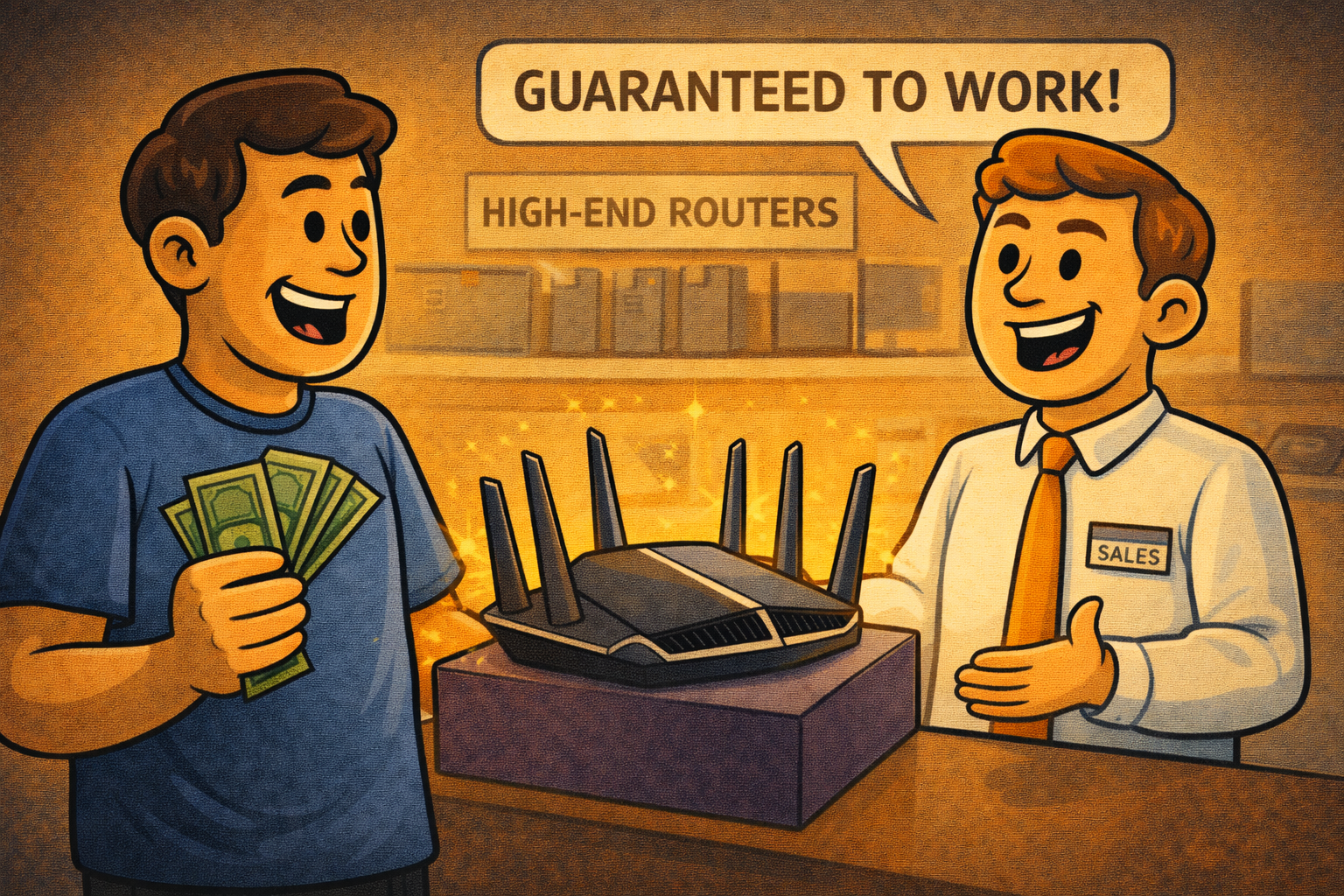
Why More Expensive Wi-Fi Routers and Access Points Don’t Increase Range
Jump to the relevant section Why Buying Bigger Hardware Doesn’t Fix Coverage Wi-Fi range vs router power is one of the most misunderstood topics in home networking. When coverage is poor, it’s easy to assume the solution is to buy a bigger, more expensive router or access point and expect the signal to travel further as…
-
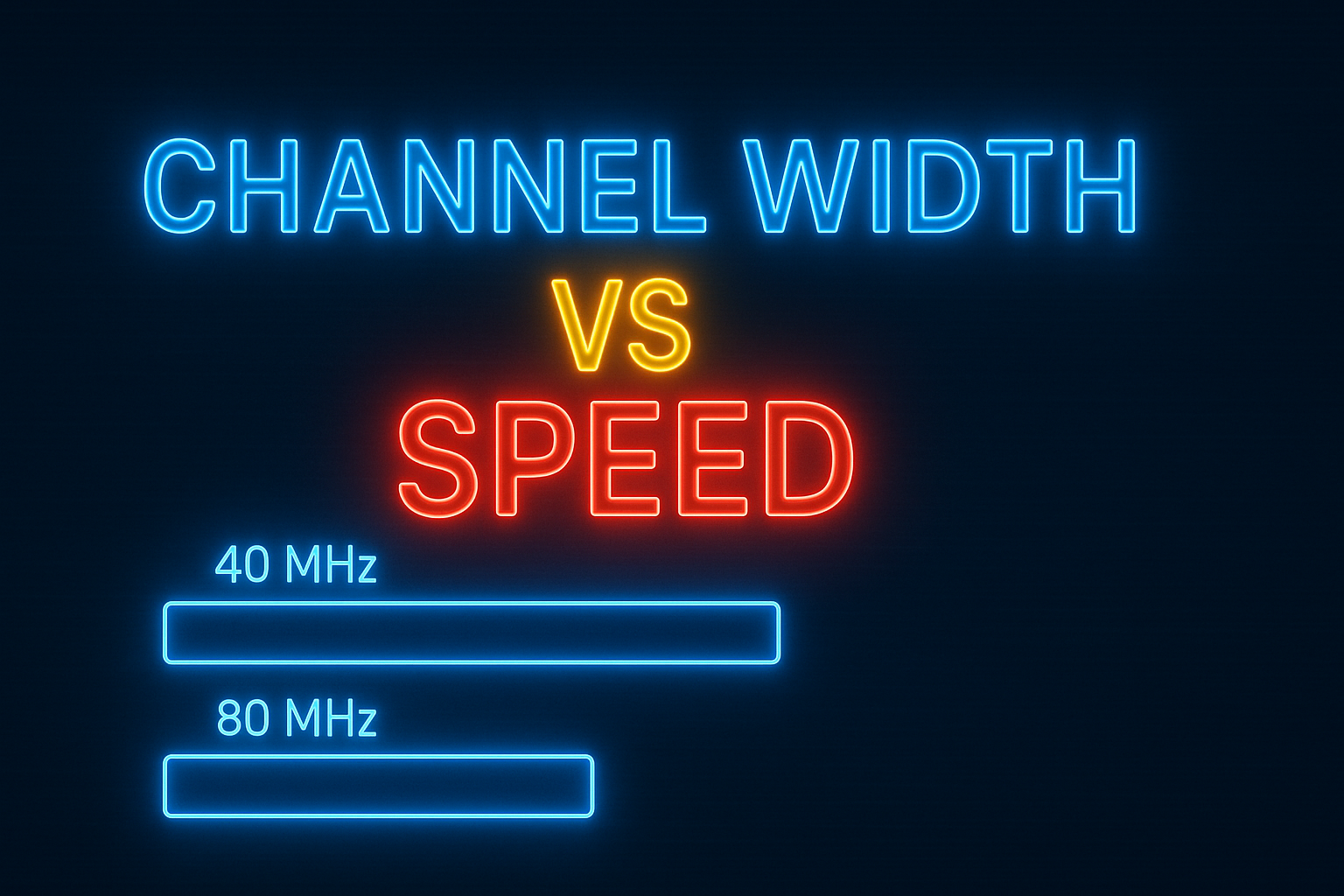
The UniFi WiFi Speed Fix That Most People Miss
A simple UniFi setting can dramatically improve your Wi-Fi speeds. In this guide, we explain how increasing 5 GHz channel width affects real-world performance, when it makes sense to use 80 MHz or even 160 MHz, and how modern UniFi access points automatically manage interference — including what changes with Wi-Fi 7.